
Studio-quality shots, at scale.
One great AI image is easy. Doing it at scale without manually fixing every detail is the hard part. Product Studio handles both.
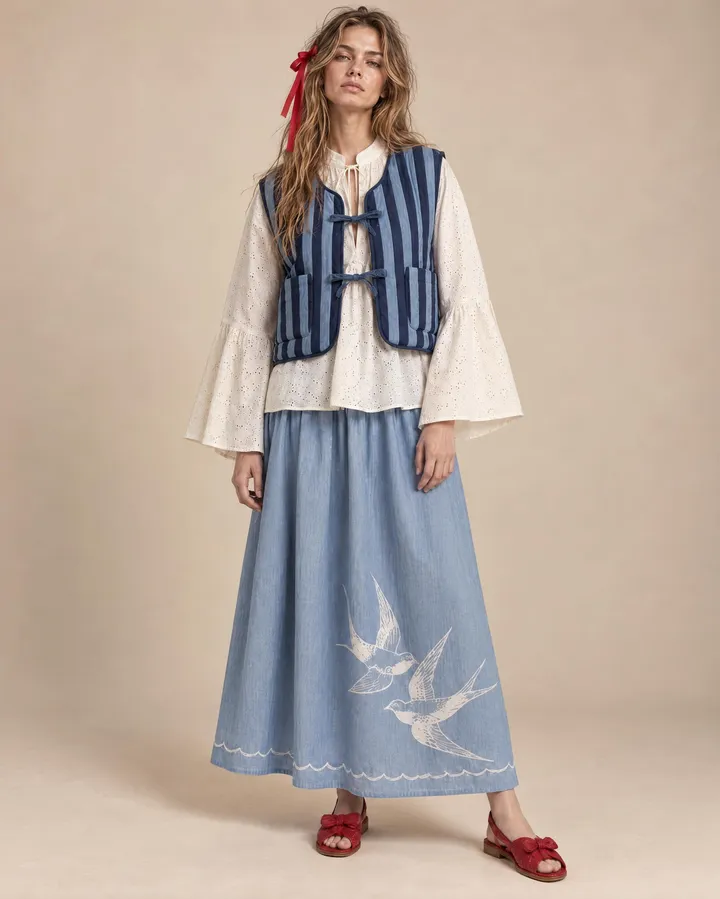
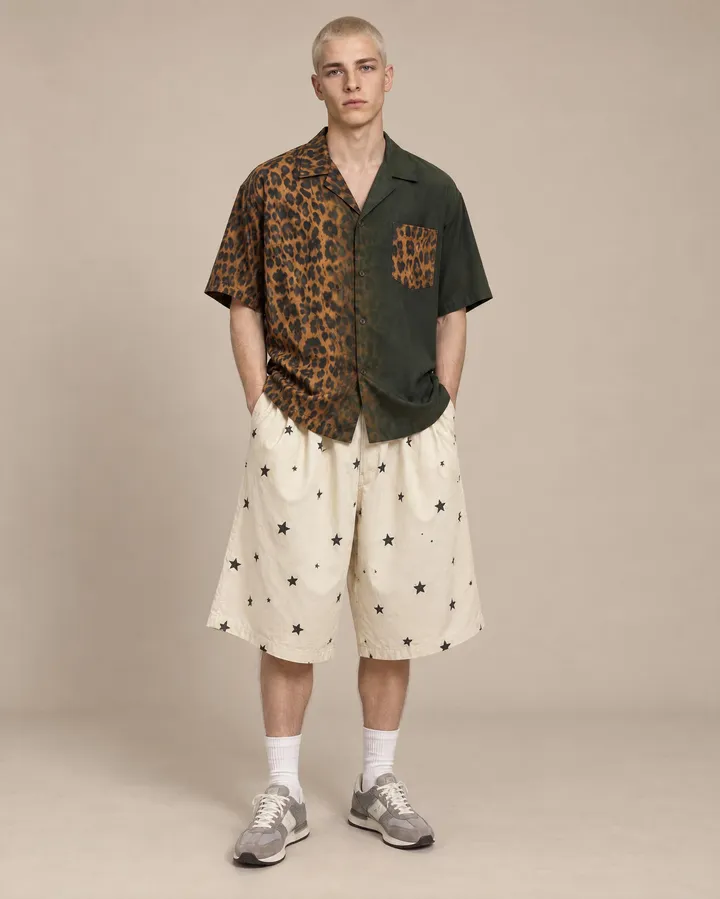
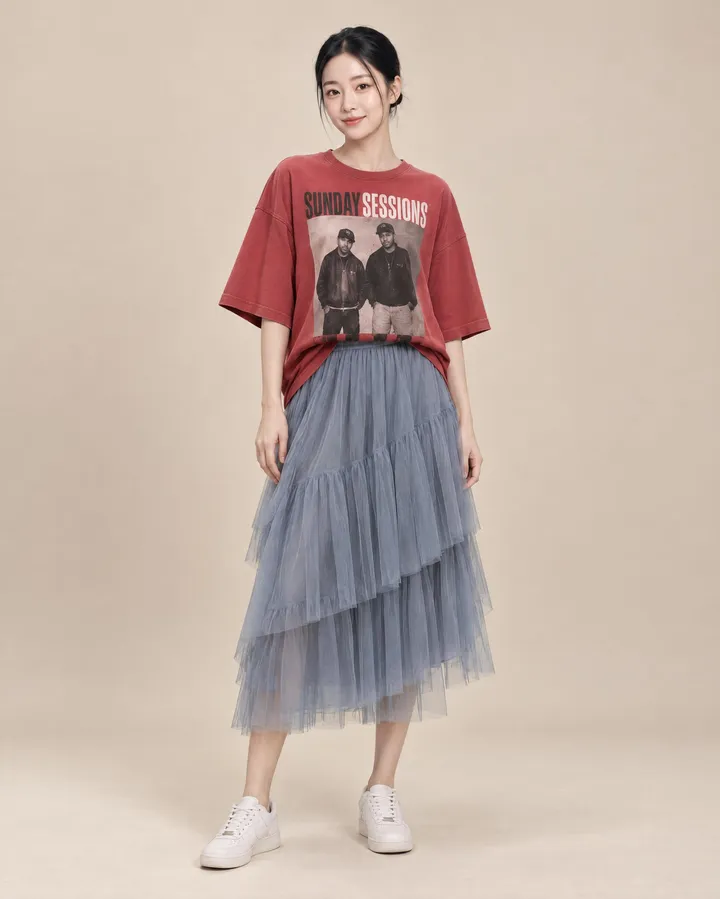
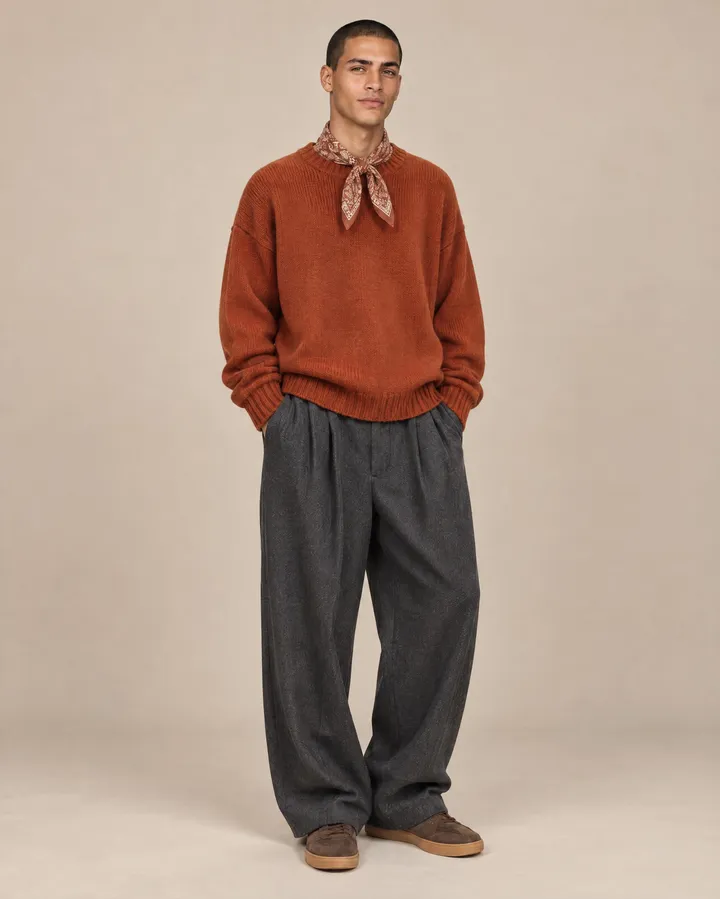
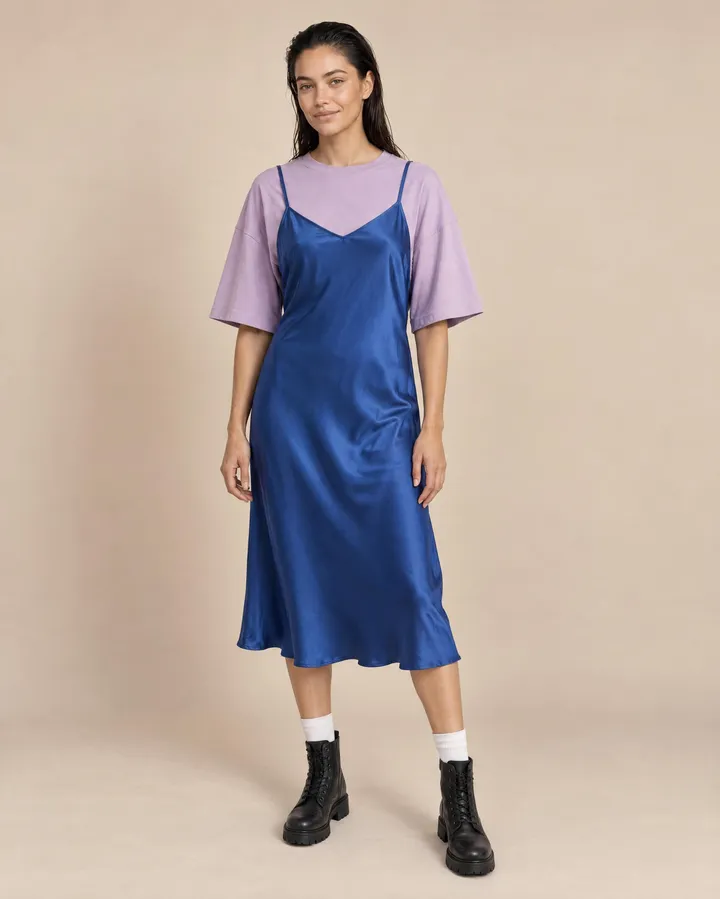
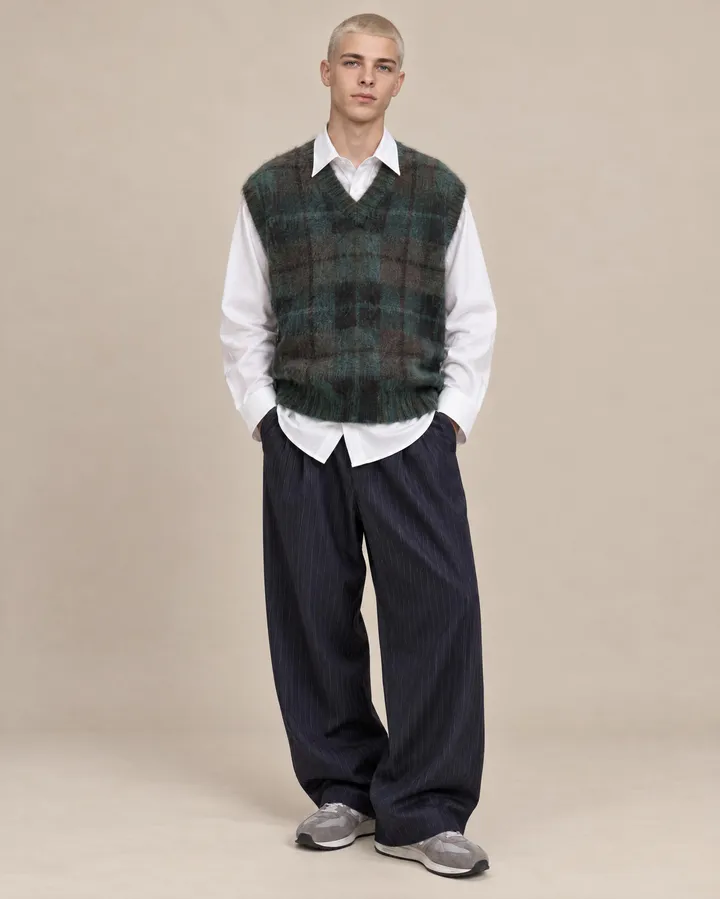
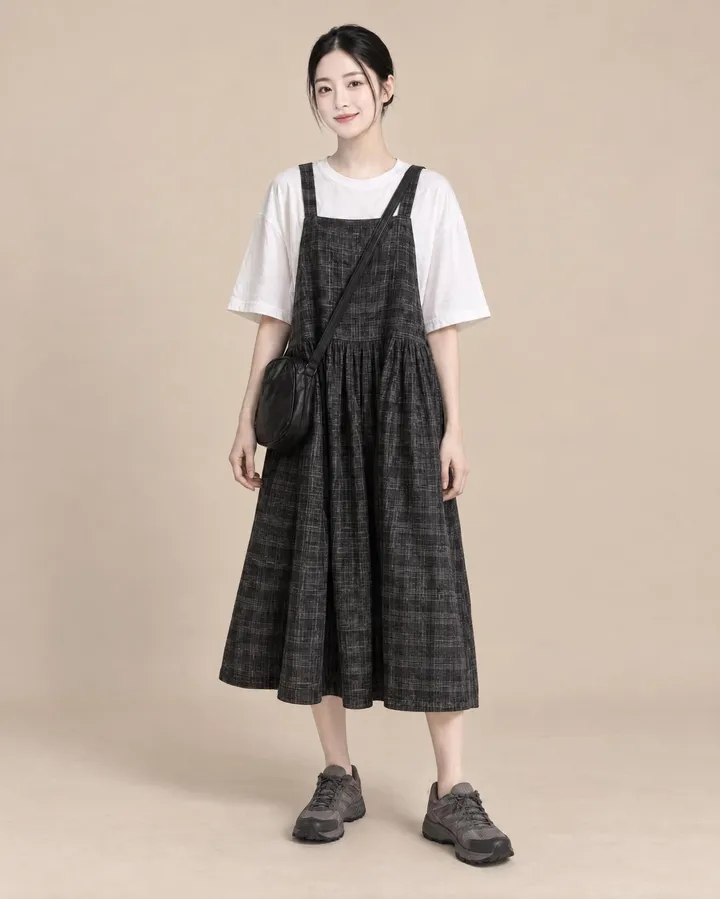
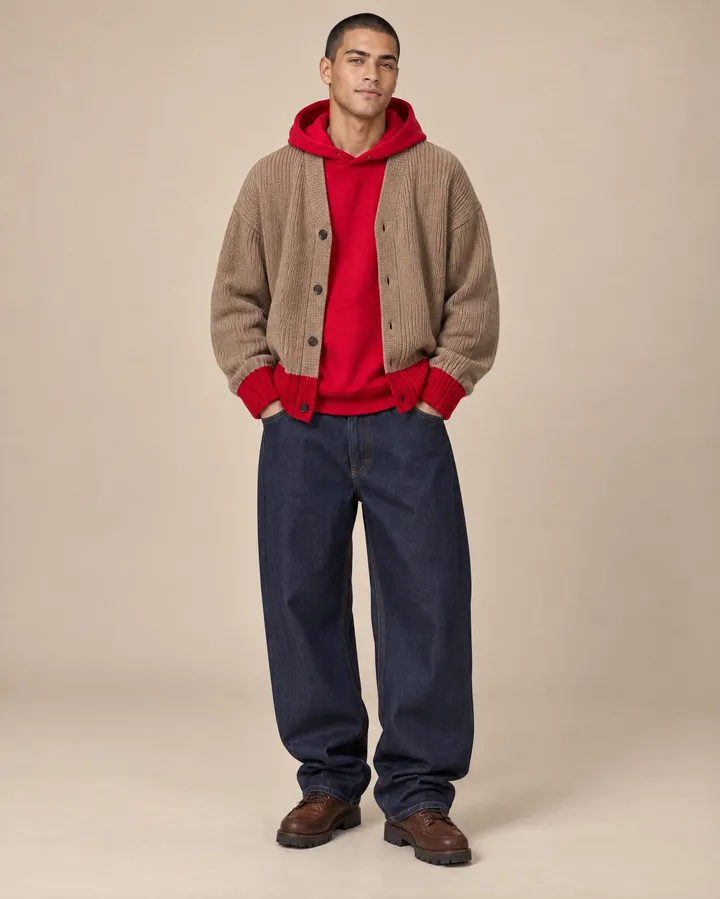
Watch a whole catalog shoot get planned
Step through a real Product Studio session: brief the agent, review the plan, preview every look for free, and generate the finals only when you're happy.
See where every shoot stands
Every studio lands on one board: what has not started yet, and what still has perspectives waiting to be exported. A studio leaves the board once all of its perspectives are out, so what you see is the work that is left.

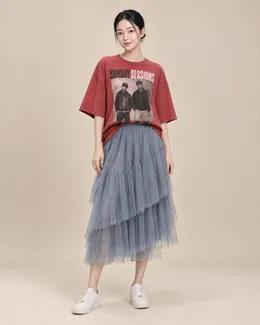
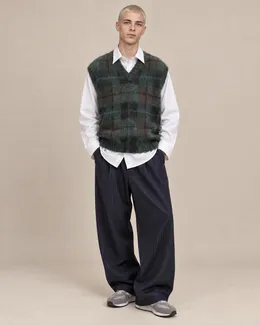
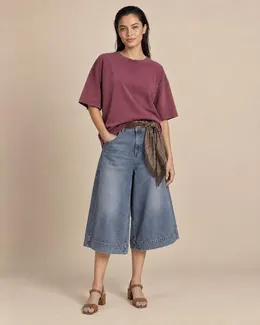
Set the frame once, get it on every product
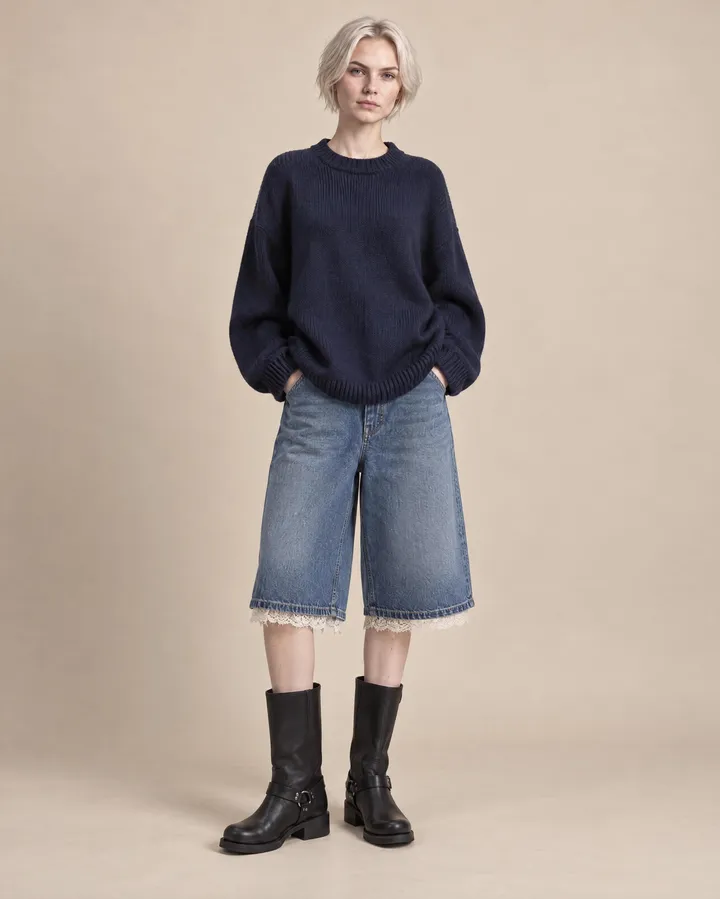
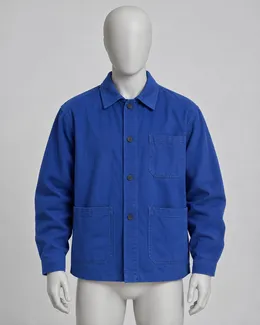
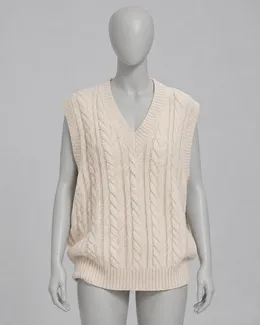
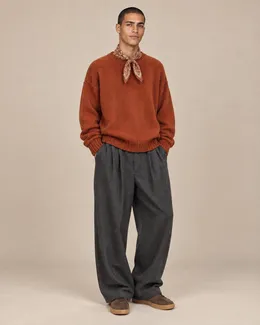
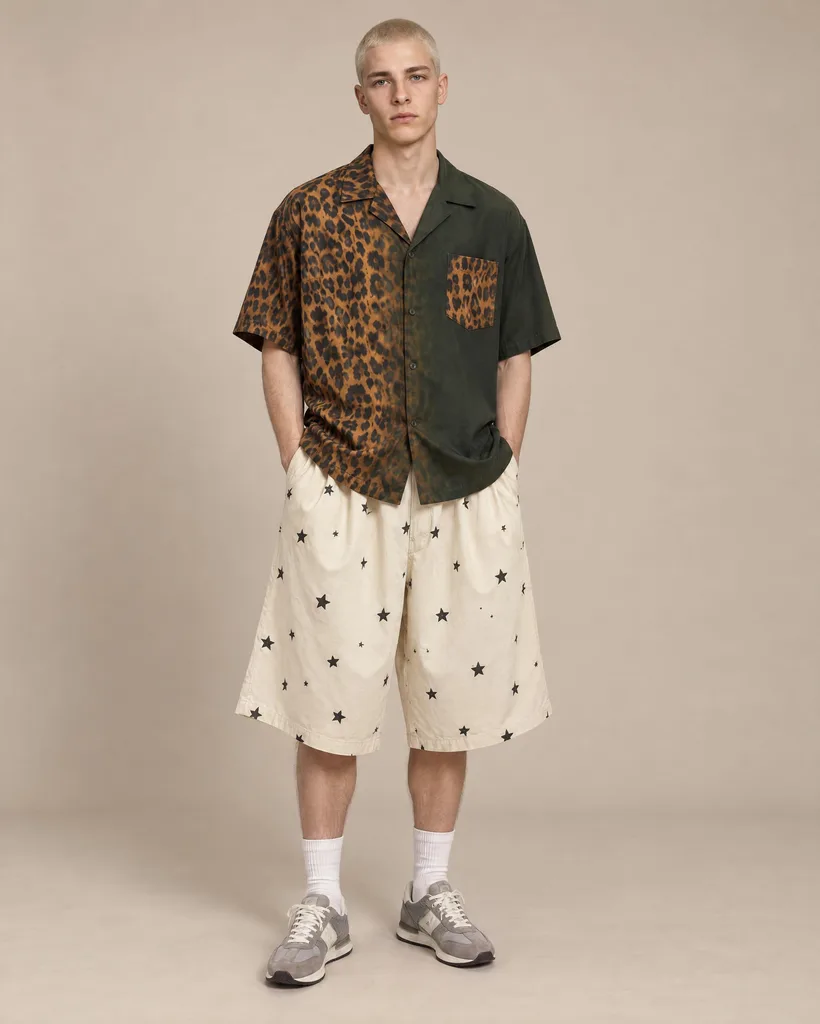
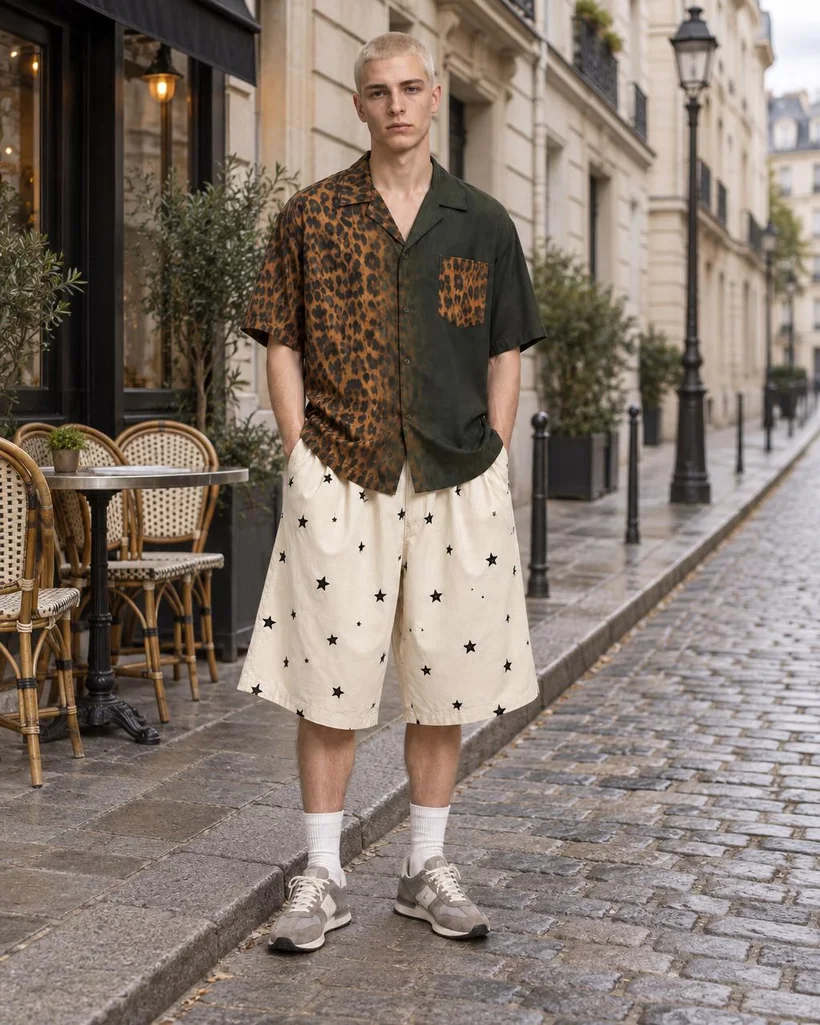
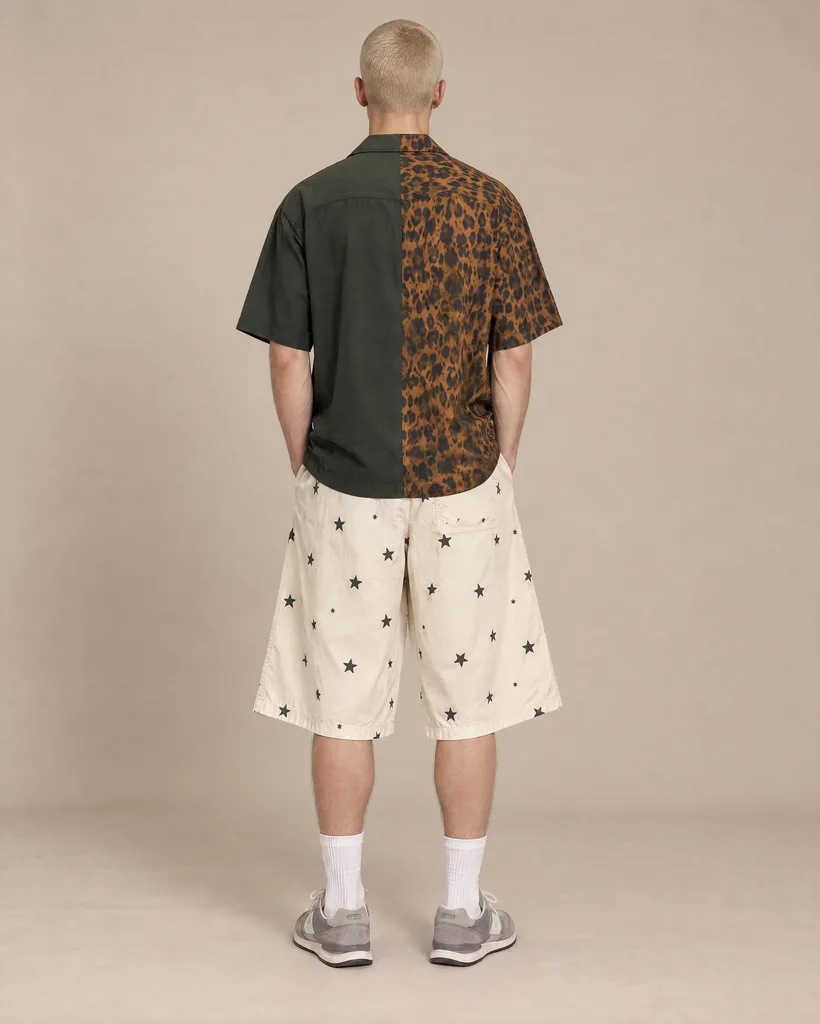
A perspective is a shot you define: the pose, the backdrop, the model and the crop. Pin the head and the feet at fixed distances from the edges, and every model in every shoot stands in the same place, ready for your shop grid.
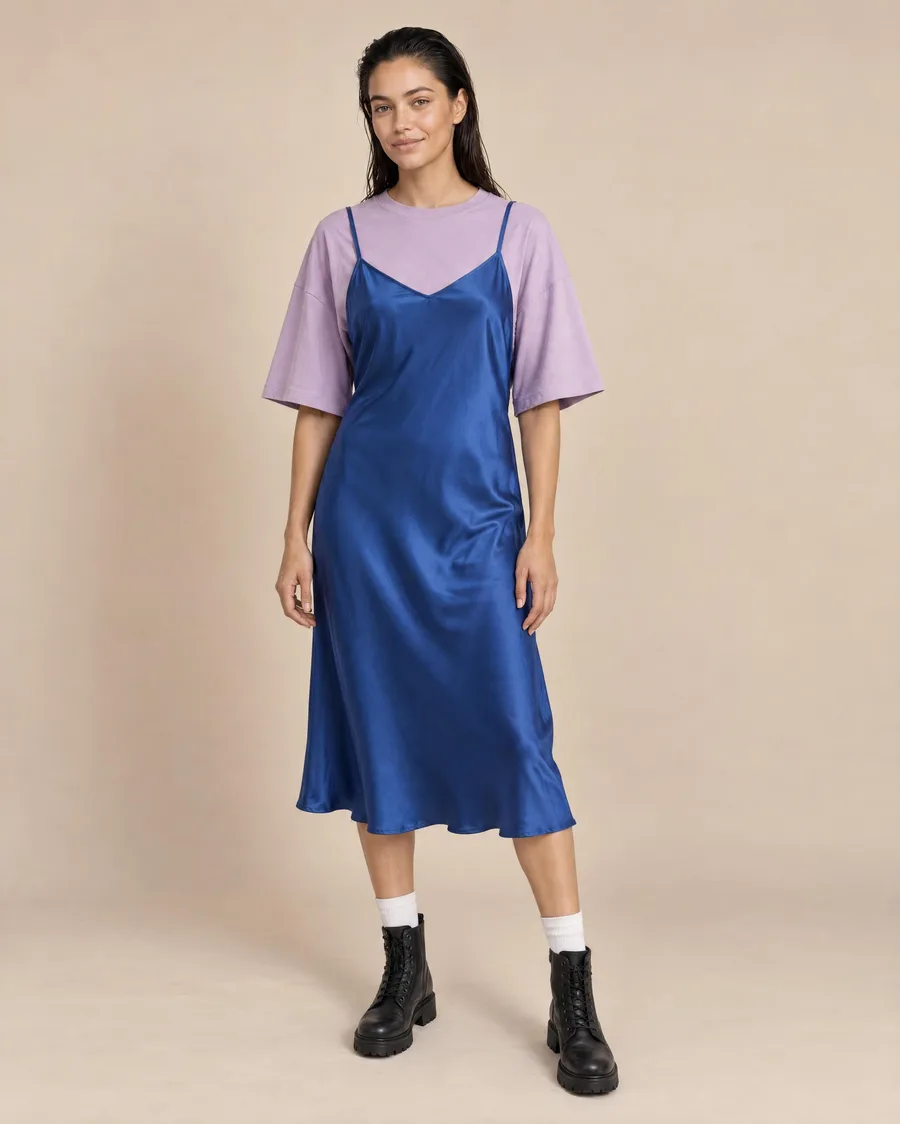
Pick the keepers, side by side
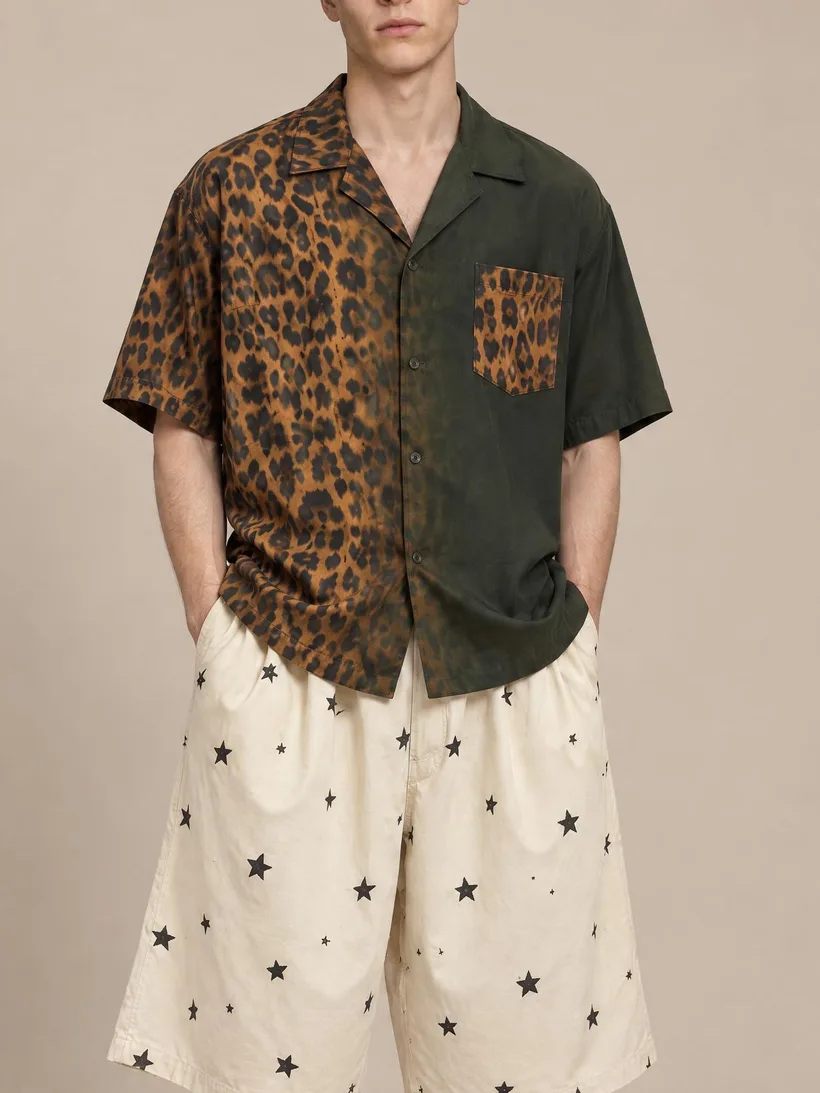
Every perspective of a product sits next to the others. Flip through the options, keep a favorite for each, and download the finals as high-res PNG or web-ready JPEG. If a detail is off, ask the agent to fix it, restyle the model or add a camera angle.
Pick the right model for every shot
Use a fast, ultra-faithful model for plain garments, then switch to a stronger one for prints and faces. You choose the engine per shot, so every product gets rendered by the model that handles it best.
A batch every time, scored for faithfulness
Every run returns a batch of options, and the agent rates how faithful each one is to your real product. Pick the best in seconds instead of squinting at a grid.
You rarely need to retouch. But when you do, you never open Photoshop.
The tools below are there for the last few percent, not a step you're forced through on every shoot.
True-to-hex color, only here
AI models can't hit an exact brand color on their own. Our proprietary color engine sits on top and locks every render to your precise hex value. No one else has this.
Fix one detail, leave the rest
Your shot is ninety percent there? Touch up a single area without regenerating the whole image. Adjust a color, clean up a flaw, or tweak a detail in place.
Just tell the agent what's wrong
Describe the problem in plain language. The agent is great at prompting, so it knows exactly how to fix it. No prompt engineering required.